8 minute read · Ultimo Research Desk · Reviewed 23 Sept 2026
MT5 vs TradingView: Chart on One, Trade on the Other — Without Getting Hurt
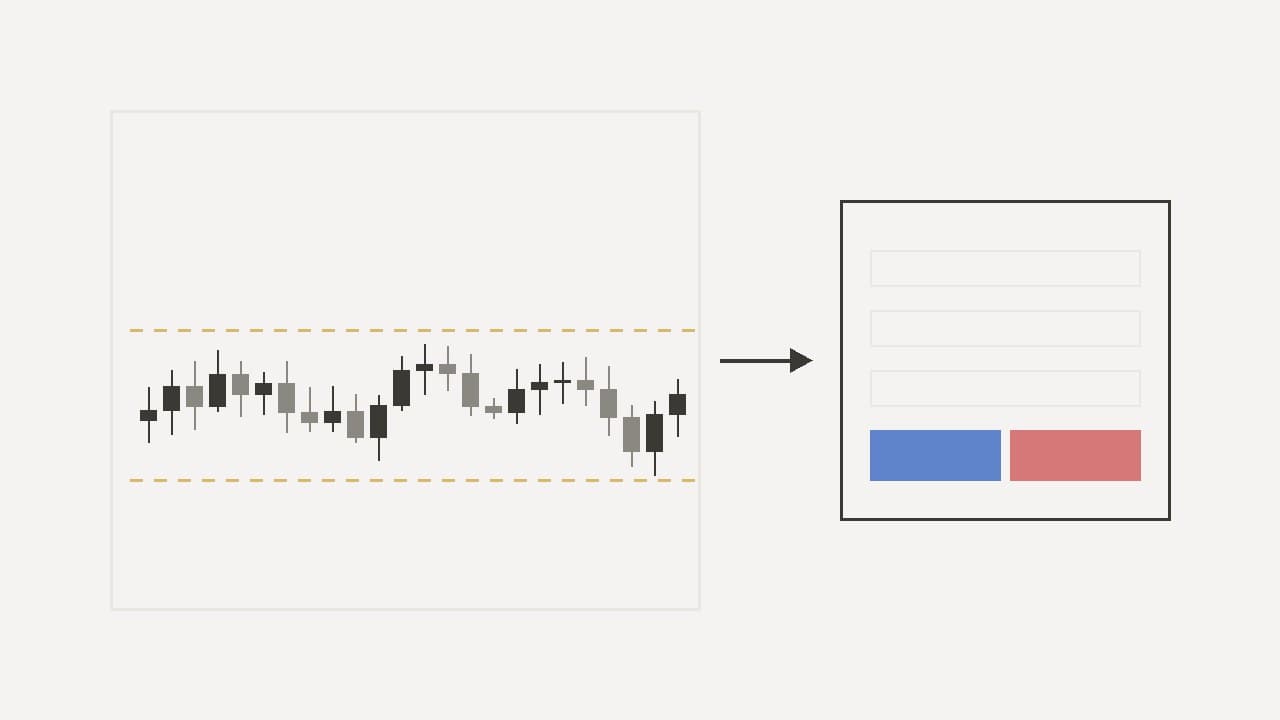
They are not competing for the same job. TradingView is a charting and analysis platform that some brokers connect to for order entry. MetaTrader 5 is a trading terminal — the thing your broker gives you, that is connected to their trade server, on which orders are actually placed, margined and closed. Most people who ask "which should I use" end up using both: analysing on the first and executing on the second. That works, and it is also where a specific set of mistakes lives.
Ultimo runs on MetaTrader 5 and does not connect to TradingView. If you chart there, the trade still happens here, by hand. This guide is about doing that well.
What each one is actually for
TradingView is built for looking at markets. The charts are fast, the drawing tools are extensive, the indicator library is enormous and largely written by its own users, alerts are flexible, and the whole thing runs in a browser. It is where a great deal of published analysis is produced, which is why its chart layouts look familiar even to people who have never used it. Where a broker is integrated, an order panel can be attached and trades placed from the chart; where a broker is not, it remains what it always was — a very good chart.
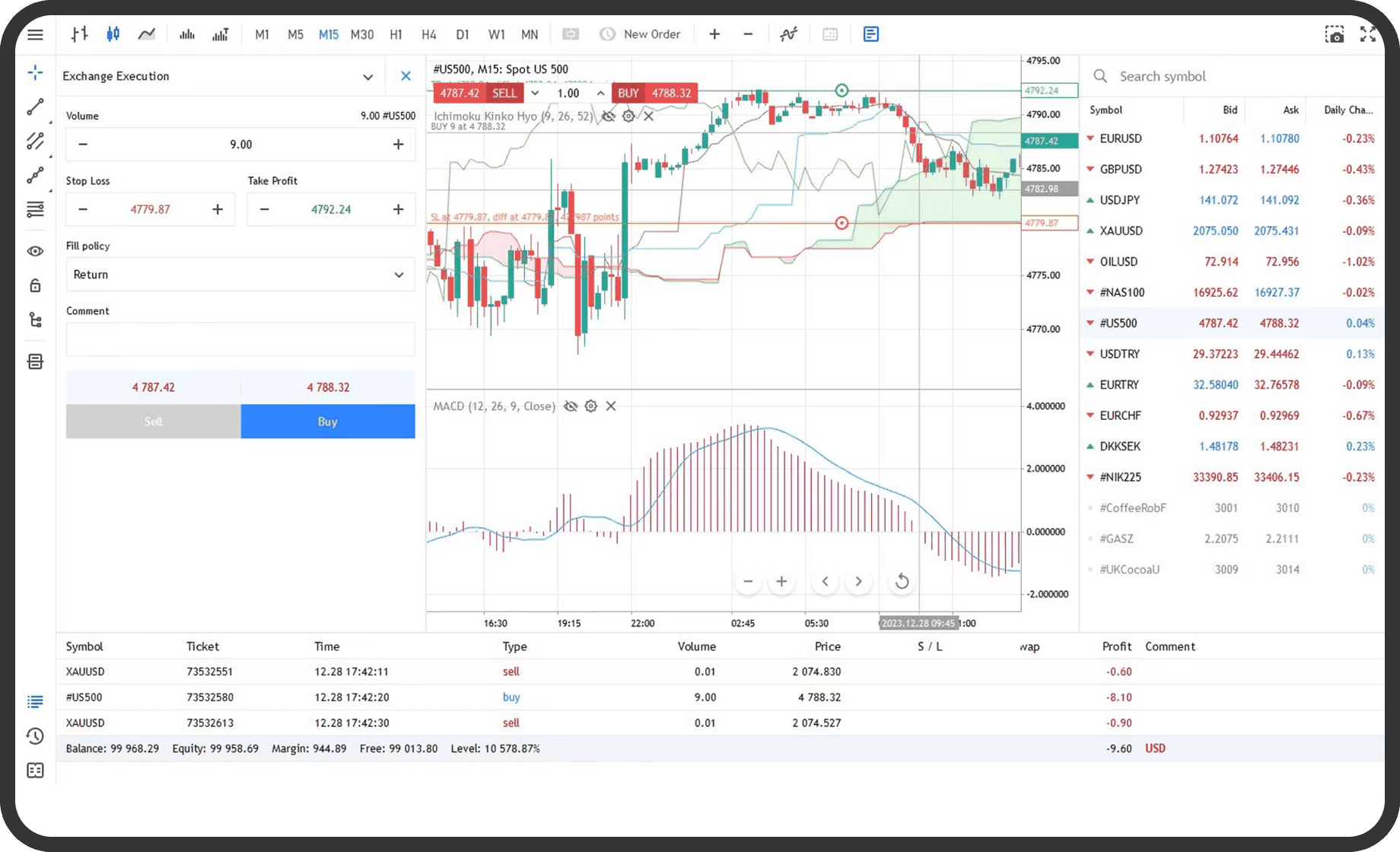
MetaTrader 5 is built for trading through a specific broker. It is the terminal that speaks to the trade server: it shows that broker's prices, holds that broker's positions, calculates margin against that broker's rules and executes orders on that broker's book. It has charts — perfectly serviceable ones, with a strategy tester and a scripting language of its own — but the chart is not the point. The account is the point. Everything in the MT5 how-to series happens here because it can only happen here.
The distinction matters because a chart is a picture of prices and an account is a claim on money. A platform can be excellent at the first and irrelevant to the second, which is exactly the case with a chart that is not wired to your broker.
Why the two show different prices
This is the source of most of the trouble, and it surprises nearly everyone the first time.
A TradingView chart of EUR/USD is drawn from a data feed — one of many the platform carries, from exchanges, data vendors and brokers. Your MT5 chart of EUR/USD is drawn from your broker's own quotes, which are what you will actually be filled at. The two feeds are different sources of the same market, and they disagree, usually by small amounts and occasionally by more:
- The spread is not in the chart. A chart line is typically one price — a mid or a bid — and a trade is executed at the bid or the ask. A "touch" of a level on the chart may not have been a touch at the price your stop was sitting on.
- Candle boundaries differ. Charts are cut into candles by a clock, and the two platforms may not be on the same clock. A daily candle on one can start hours apart from a daily candle on the other, and every daily high, low, open and close moves with it.
- Symbols are not the same thing. "GOLD" on a chart may be a spot reference, a futures contract or a broker's CFD; the instrument you trade on MT5 is the one in the contract specifications, with its own hours, contract size and pricing. Indices are worse: a cash index, an index future and an index CFD trade at different levels for structural reasons.
- Hours differ. A chart may show trading while your instrument is closed, or show a gap where your broker was quoting. The market hours tool shows when each instrument is actually tradable on the account.
None of this makes either chart wrong. It makes them different, and a level identified on one has to be checked on the other before money is attached to it.
Four places the workflow goes wrong
1. The level was on the wrong chart. The analysis is done on TradingView, a support level is drawn at 1.0850, and a pending buy is placed on MT5 at 1.0850. On the broker's feed the equivalent level may be 1.0847 or 1.0853, and the daily low that defined it may have printed on a different candle entirely. The fix is mechanical: once the idea exists, open the same instrument on MT5 and confirm the level there before placing anything. A level that only exists on one feed is not a level.
2. The alert fired for a price that was never available. TradingView alerts are excellent and they fire on TradingView's data. An alert at a price your broker never quoted — because of the spread, the clock or the symbol — sends you to place a trade the market is not offering. Treat an alert as a prompt to look, not as an instruction to act.
3. The size was calculated on the chart, not the account. Position sizing depends on the account's equity, the instrument's contract size and the broker's pip value, none of which the chart knows. A size worked out from a chart-side "risk" tool can be off by the contract multiplier, and on gold or an index that is not a rounding error. Size from the account: the position size calculator uses the contract specifications the trade will actually be filled under.
4. The stop was managed in two places. A stop drawn on a chart is a line. A stop on MT5 is an order the server will execute. Traders who move the chart line and forget the order — or move the order and leave the line — end up with a stop in their head that is not the stop on their account. The one that counts is the one in the MT5 terminal. Draw whatever you like elsewhere; the order is the truth.
How to keep the two in step
A short routine, done every time, removes almost all of the above.
- Match the instrument first. Find the exact symbol on MT5 and open its specification window. If you are charting a cash index and trading a CFD, know it, and expect the levels to differ.
- Set both platforms to the same time zone, or at least know the offset. Daily candles are only comparable if they start at the same hour.
- Confirm every level on the broker's chart before an order is placed. Thirty seconds, every time.
- Size on the account, not the chart. Equity, contract size, stop distance — from MT5 and the calculators, never from a chart-side estimate.
- Put the stop on the server the moment the position exists, and treat the chart's drawn line as decoration.
- Keep the journal against MT5's history, not against the chart. The account statement is the record of what actually happened at what price.
Can you just trade on MT5's own charts?
Yes, and for many traders that is the simpler answer. MT5's charts are not as fast or as pretty and the indicator library is smaller, but they have one property TradingView cannot offer for a broker it is not connected to: the chart and the account are the same feed. A level on the chart is a level on the account. The strategy tester runs on the same data the account trades on. Alerts fire on prices that were actually quoted.
The case for TradingView is analysis quality and the sheer convenience of a browser tab. The case for MT5's charts is that nothing has to be reconciled. Neither is wrong; the mistake is using the first as if it had the second's property.
What about MT4?
The MT4 vs MT5 guide covers that comparison in full. The short version for this question: everything above applies identically to MT4, with the additional point that MT4 is no longer licensed to new brokers by its vendor, which is why Ultimo does not offer it.
Common questions
Can I connect my Ultimo account to TradingView? No. Ultimo has no TradingView integration. Analysis there, execution on MT5.
Why is my TradingView candle different from my MT5 candle? Different data feed and, often, a different clock. Check the time zone on both and compare the instrument's specification; the candles will not be identical and are not meant to be.
Which chart should my stop be based on? The MT5 chart, because that is the price the stop order will be executed against. A stop placed against another feed's level is a stop placed against a price that may not exist on your account.
Is the strategy tester on MT5 worth using if I analyse on TradingView? Yes, precisely because it runs on the broker's own history. A method that tests well on one feed and is executed on another has been tested on something other than what it trades.
Trading leveraged products puts your capital at risk; a chart on any platform shows where prices have been, and does not tell you where they will go.
Written by the Ultimo Research Desk and checked against our own contract specifications and client agreement before publication; reviewed again when those change. Educational only — nothing here is a recommendation to trade. Spotted an error? Tell us.